
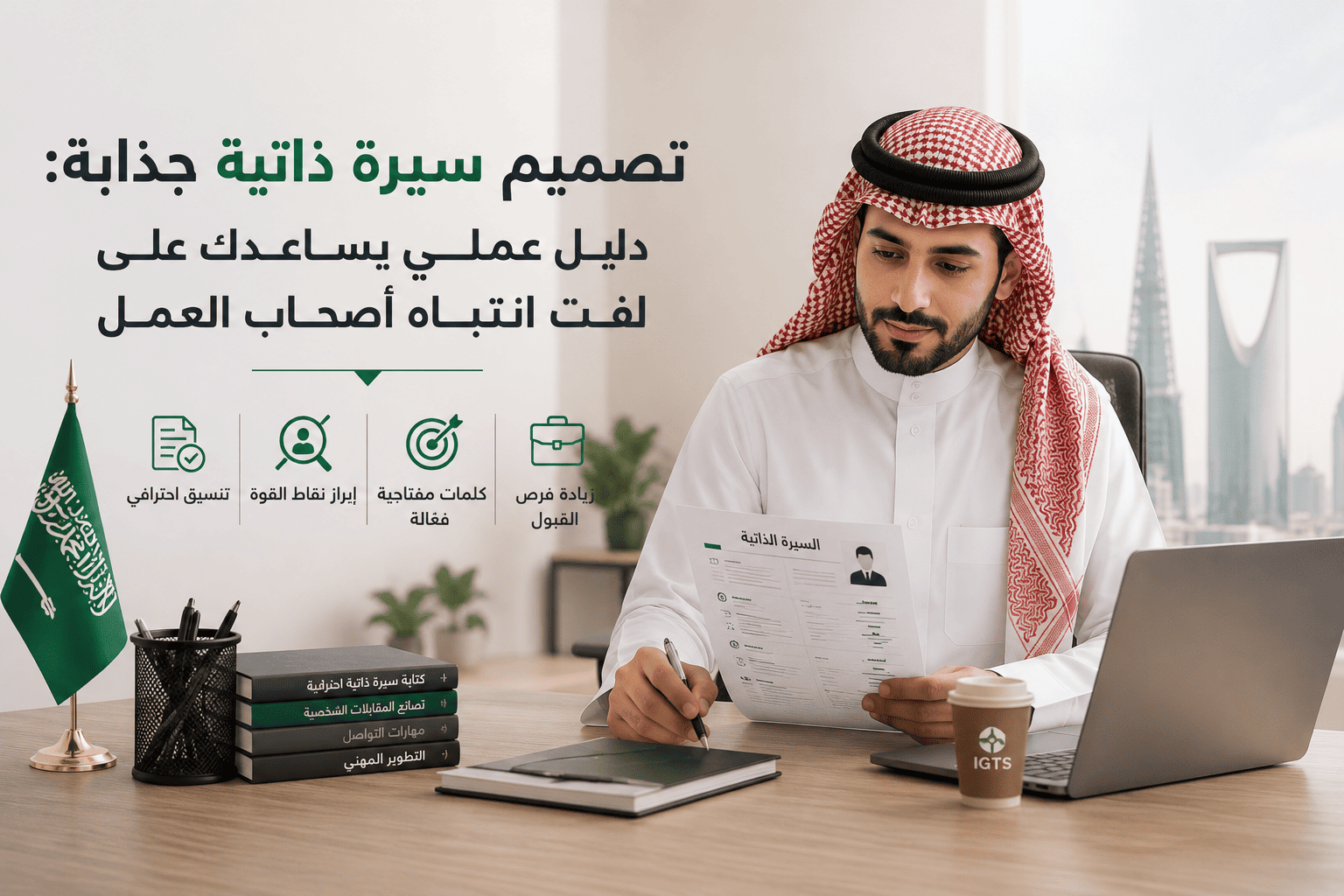
How to Design an Attractive CV: A Practical Guide to Capturing Employers’ Attention
In many cases, the problem is not your experience or qualifications, but the way you present them.
Two people may have the same academic qualification and the same years of experience, yet one of them receives more job interviews because their CV design is clear, organized, and allows the recruiter to find information within seconds.
With companies today relying on Applicant Tracking Systems, or ATS, in addition to human review, it has become necessary to combine attractive design with readability without overusing visual elements.
In this guide, you will learn about the most important elements of CV design, the mistakes you should avoid, the best free tools, and a practical template you can apply directly.
Why Has CV Design Become Important?
CV design does not mean adding many colors or icons. It means organizing information in a way that makes it easy and quick to read.
Recruiters often spend no more than 6 to 10 seconds on their first look at a CV. Therefore, section arrangement, font selection, and highlighting important information may be the reason you move to the interview stage.
Some of the most important benefits of professional design include:
- Highlighting your key achievements quickly.
- Improving the reading experience.
- Giving an impression of professionalism.
- Making the CV easier to read by ATS systems.
- Increasing the chances of reaching job interviews.
Also Read
Elements of a Professional CV Design
To create a successful CV design, make sure to include the following elements in order.
1. Personal Information
This includes:
- Full name.
- Phone number.
- Professional email address.
- City.
- LinkedIn link, if available.
There is no need to add information such as:
- Marital status.
- Religion.
- ID number.
- Personal photo, unless requested.
2. Professional Summary
Write a short paragraph of three or four lines explaining:
- Who are you?
- Years of experience.
- Your key skills.
- The value you provide to the company.
Example:
Digital Marketing Specialist with four years of experience in managing advertising campaigns and improving conversion rates, with experience in Google Ads, Meta Ads, data analysis, and content creation.
3. Work Experience
Arrange your experience from the most recent to the oldest.
Instead of writing tasks only, mention results.
Instead of writing:
“Managing social media accounts.”
Write:
“Increased engagement rate by 45% within six months by developing the content strategy.”
4. Education
Mention:
- Academic degree.
- University.
- Graduation year.
Then add only the important professional courses.
5. Skills
Divide them into two sections.
Technical Skills
Such as:
- Excel.
- Power BI.
- Photoshop.
- Python.
- Google Analytics.
Soft Skills
Such as:
- Communication.
- Time management.
- Problem-solving.
- Teamwork.
- Leadership.
6. Professional Certifications
Create a section for important certifications that are directly related to the job only.
Best Free Tools for CV Design
If you are looking to create a CV in PDF for free, these are some of the most popular tools.
| Tool | Features | Suitable For |
|---|---|---|
| Canva | Professional templates that are easy to edit | Beginners |
| Microsoft Word | High flexibility | All users |
| Novoresume | ATS-friendly templates | Job seekers |
| Resume.io | Fast design | Graduates |
| Google Docs | Completely free | Anyone |
If you are applying to large companies that use ATS, choose simple templates and avoid designs filled with icons and columns.
A Simple CV Design Template
You can use the following structure:
Name
Phone number
Email address
Professional Summary
Experience
First Company
Job Title
Achievements
Second Company
Education
Skills
Certifications
Languages
This template is suitable for most jobs and achieves a good balance between professionalism and readability.
Tips to Make Your CV Stand Out Among Hundreds of Applicants
It is not enough for the design to look beautiful. It must also help the employer find information quickly.
Follow these tips:
- Use a clear font such as Calibri or Arial.
- Keep the font size between 10 and 12.
- Use only one main color.
- Maintain enough white space.
- Do not use more than two pages.
- Save the file in PDF format.
- Name the file using your real name.
- Review spelling mistakes before sending.
- Customize the CV for each job instead of using one version for all applications.
Common Mistakes That Weaken CV Design
Even if you have strong experience, some mistakes may lead to your CV being rejected.
The most common mistakes include:
- Using more than five colors.
- Using too many icons and decorative elements.
- Including unimportant information.
- Writing long paragraphs.
- Using low-quality images.
- Not updating your information.
- Sending a Word file instead of PDF.
- Ignoring the keywords mentioned in the job advertisement.
Arabic or English CV in Saudi Arabia?
This depends on the job.
| Job Type | Suitable Language |
|---|---|
| Government entities | Arabic, in most cases |
| Local companies | Depending on the job advertisement |
| International companies | English |
| Multinational companies | English, in most cases |
If the job advertisement does not specify a certain language, it is better to use the language required in the job description.
How to Make Your CV Compatible with ATS Systems
Many companies now use CV screening systems before the CV reaches the recruiter.
Therefore, make sure to:
- Use clear headings.
- Avoid complex tables.
- Use the keywords mentioned in the job advertisement.
- Write the job title exactly as stated in the advertisement.
- Save the file in PDF format if the system accepts it, or Word if requested.
To learn more details, you can read the article How to Write a Professional ATS-Friendly CV.
Frequently Asked Questions
What Is the Best Free Program for CV Design?
Canva, Microsoft Word, and Google Docs are among the best free options, while platforms such as Novoresume provide professional ATS-friendly templates with both free and paid options.
Is an Arabic or English CV Better in Saudi Arabia?
This depends on the language of the job advertisement. Government entities often use Arabic, while international companies prefer English. Always follow the language used in the job description.
How Many Pages Should a CV Be?
It is preferable for the CV to be one page for graduates and recent graduates, and a maximum of two pages for those with long experience.
How Can I Present My CV Differently?
Focus on achievements using numbers, use a simple and organized design, and highlight the skills related to the job instead of adding many visual elements.
What Is the Difference Between a CV and a Cover Letter?
A CV presents your qualifications and experience, while a cover letter explains why you are interested in the job and how you can add value to the company.
Conclusion
Designing a professional CV does not depend on using many colors or visual effects. It depends on clarity of information, readability, and highlighting your strengths in a way that helps the recruiter make a quick decision.
The more organized, customized for the target job, and compatible with modern recruitment systems your CV is, the greater your chance of reaching the job interview.
Develop Your Career Opportunities with IGTS
Having a strong CV is the beginning, but developing your professional skills is what gives you a long-term advantage. If you want to strengthen your experience and gain skills employers are looking for, start your journey with the accredited Human Resources Diploma from IGTS, and gain practical knowledge that helps you build a more successful career path.
Start Now
Turn your CV into a professional ATS-compatible document and develop your career skills with IGTS accredited programs.
Images
Updated at: 2026-10-08 13:12:49