
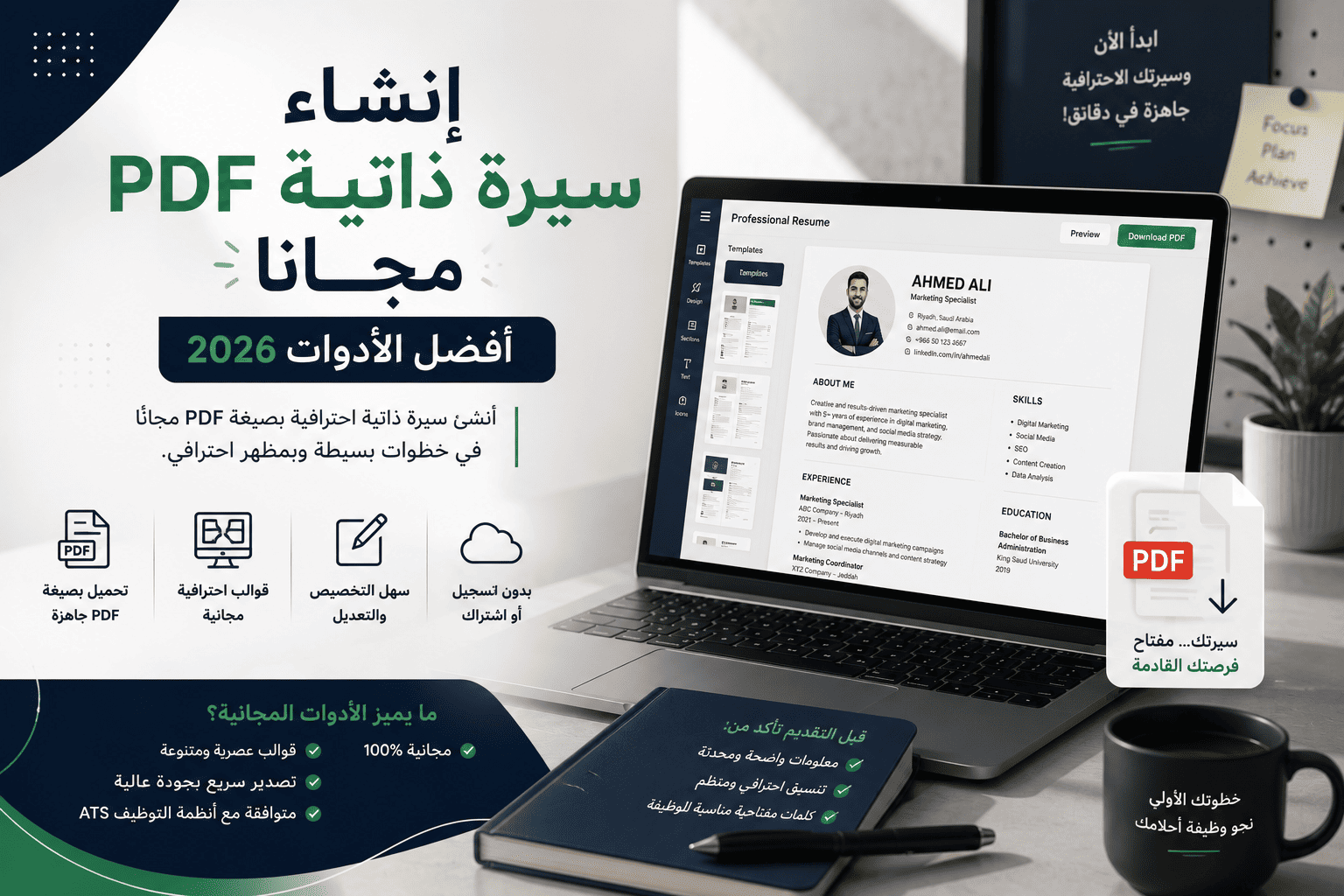
Create a CV in PDF for Free: Best Tools 2026
If you are preparing to apply for a job or internship, it is natural to look for a way to create a CV in PDF for free without needing to buy a subscription or use complicated programs. Saving your CV in PDF format is one of the most common options because it preserves the file formatting when opened on different devices and operating systems.
Today, many tools are available to help you create a free CV in a short time, whether by using ready-made templates or easy-to-use editors, with the ability to download the file in PDF format and share it directly when applying for jobs.
In this guide, you will learn about the best tools that allow you to create a CV in PDF, the main features of each tool, a comparison between them, and some tips that help you produce a professional CV.
Why Do You Need a Professional CV in PDF?
The file format may seem like a simple detail, but it affects how your CV appears when it reaches the recruiter.
When you send the file in PDF format, the formatting remains the same, whether it is opened on a computer, phone, or tablet. This reduces the possibility of fonts changing or elements moving out of place, which are problems that may happen when sharing files in other formats.
Many employers also prefer receiving a CV in PDF because it is ready for review and printing, and it appears consistently without needing editing or reformatting.
Some of the main advantages of using PDF format include:
- Preserving the CV formatting when opened on any device.
- Easy file sharing through email or job platforms.
- Presenting the content in a professional way.
- Reducing the possibility of unintended changes to the file.
However, getting a good PDF file does not depend on the format alone. It starts with choosing a suitable tool that helps you organize your information and present it clearly.
Read Also
Best 5 Tools to Create a CV in PDF for Free
There are dozens of websites that offer CV creation services, but not all of them allow free downloading or provide a suitable user experience. Below are five of the most popular tools you can rely on.
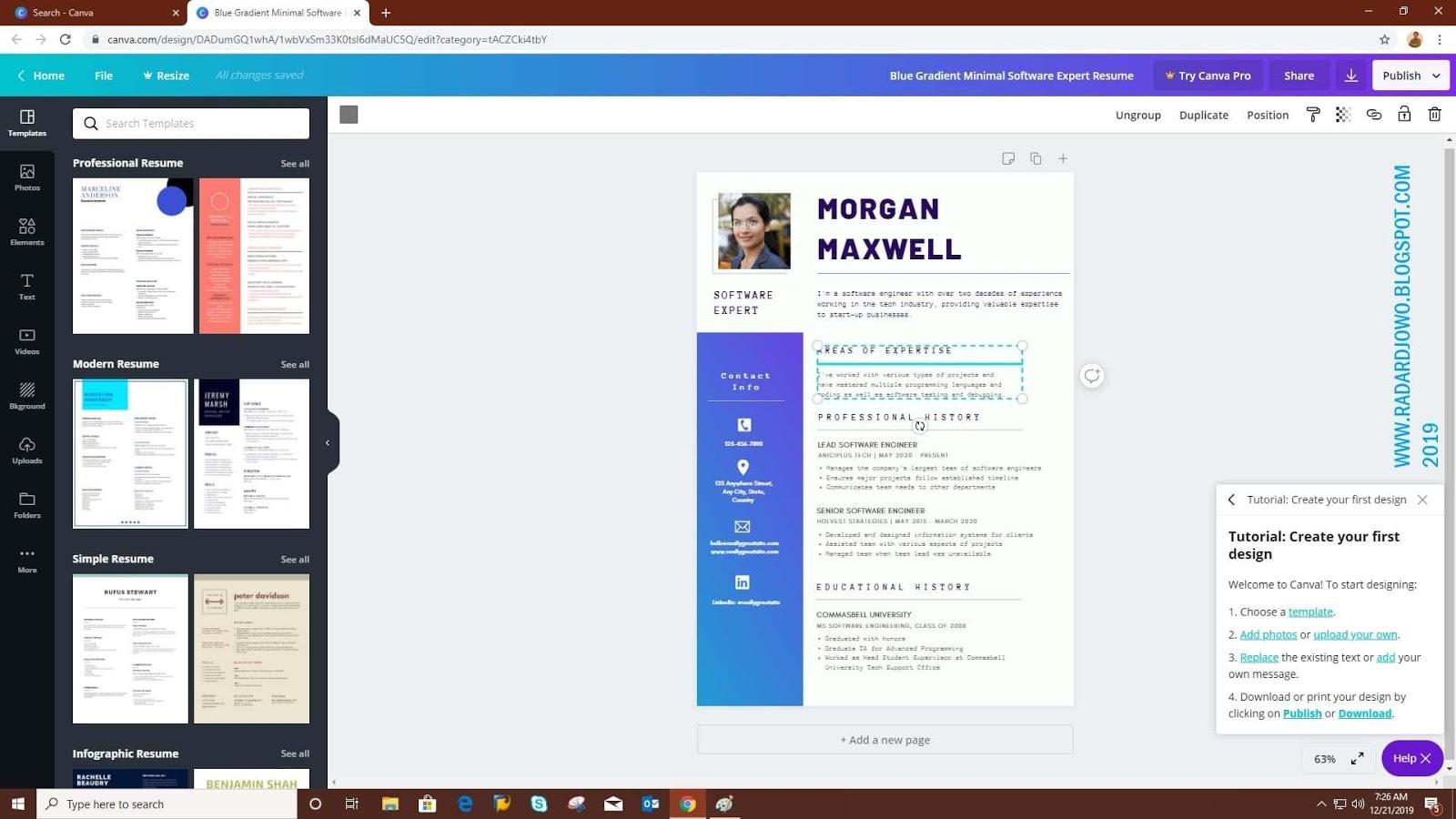
1. Canva
Canva is one of the most widely used tools for designing CVs. It features an easy interface and diverse templates suitable for students, graduates, and job seekers.
Through drag and drop, you can edit colors, fonts, and section layout without needing design experience, then save the CV in PDF format.
Main Features:
- Simple user interface.
- Large number of ready-made templates.
- Easy design editing.
- Arabic language support.
- Download the file in PDF format.
Suitable For:
Job seekers looking for a modern and easy-to-customize design without needing professional design software.
2. Novorésumé
Novorésumé focuses on creating professional CVs, helping users enter their information step by step while showing the result directly during editing.
The tool provides a free version through which you can create a CV, while some templates and advanced options require a paid subscription.
Main Features:
- Professional designs.
- Live preview while editing.
- Clear organization of sections.
- Easy data updating.
Suitable For:
Those looking for a professionally formatted CV without needing to design it manually.

3. Resume.com
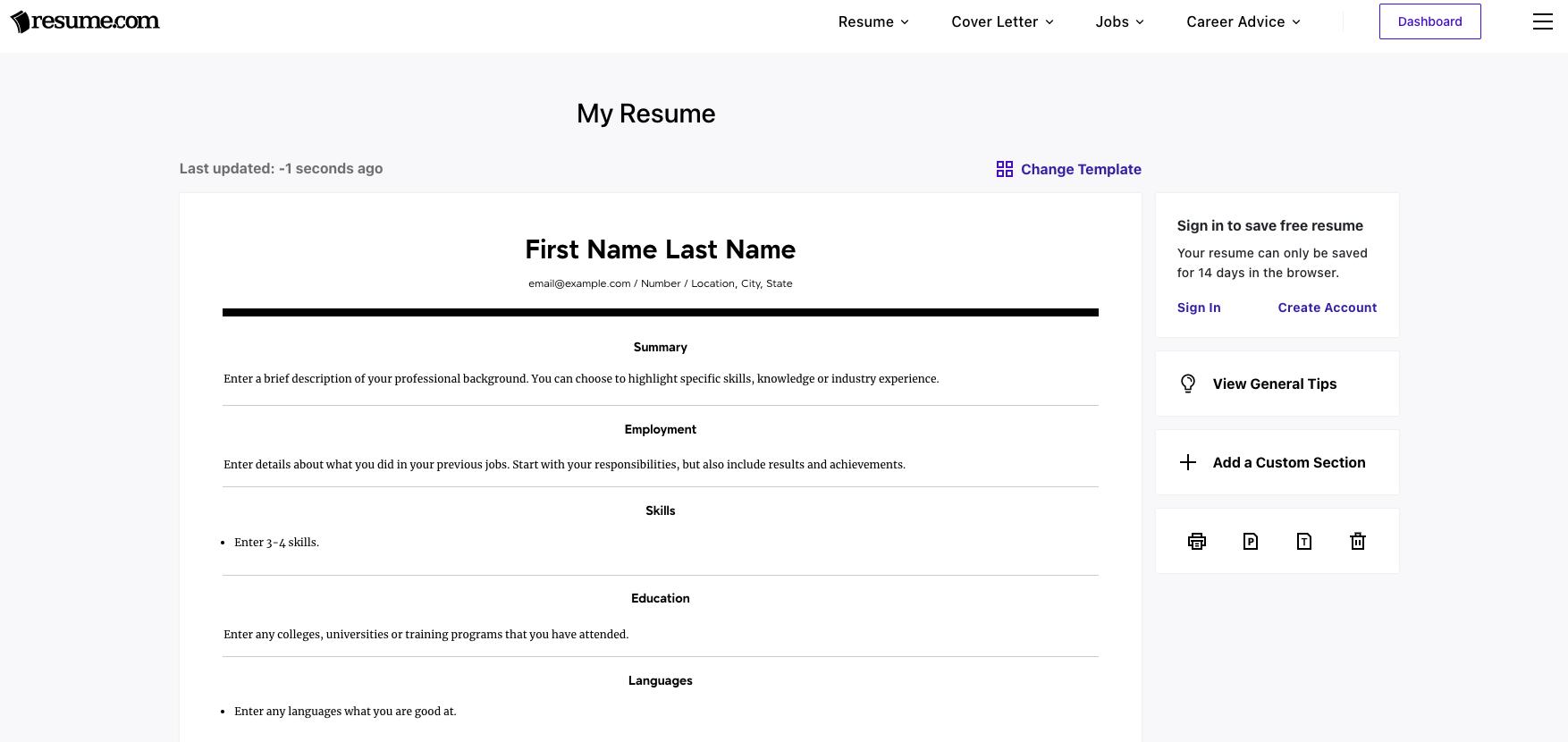
If your goal is to create a CV in PDF for free without dealing with complicated design tools, Resume.com is a suitable option. The tool depends on simple steps that start with entering your information, then choosing a suitable template, after which you can download the CV in PDF format.
The platform focuses on ease of use more than offering many design options, which makes it suitable for students, graduates, and those creating their CV for the first time.
Main Features:
- Creating the CV through simple steps.
- Ability to download the file in PDF format.
- Ready-to-use templates.
- Beginner-friendly interface.
Suitable For:
Job seekers looking for a tool that focuses on quickly creating a CV without needing many customizations.
4. Kickresume
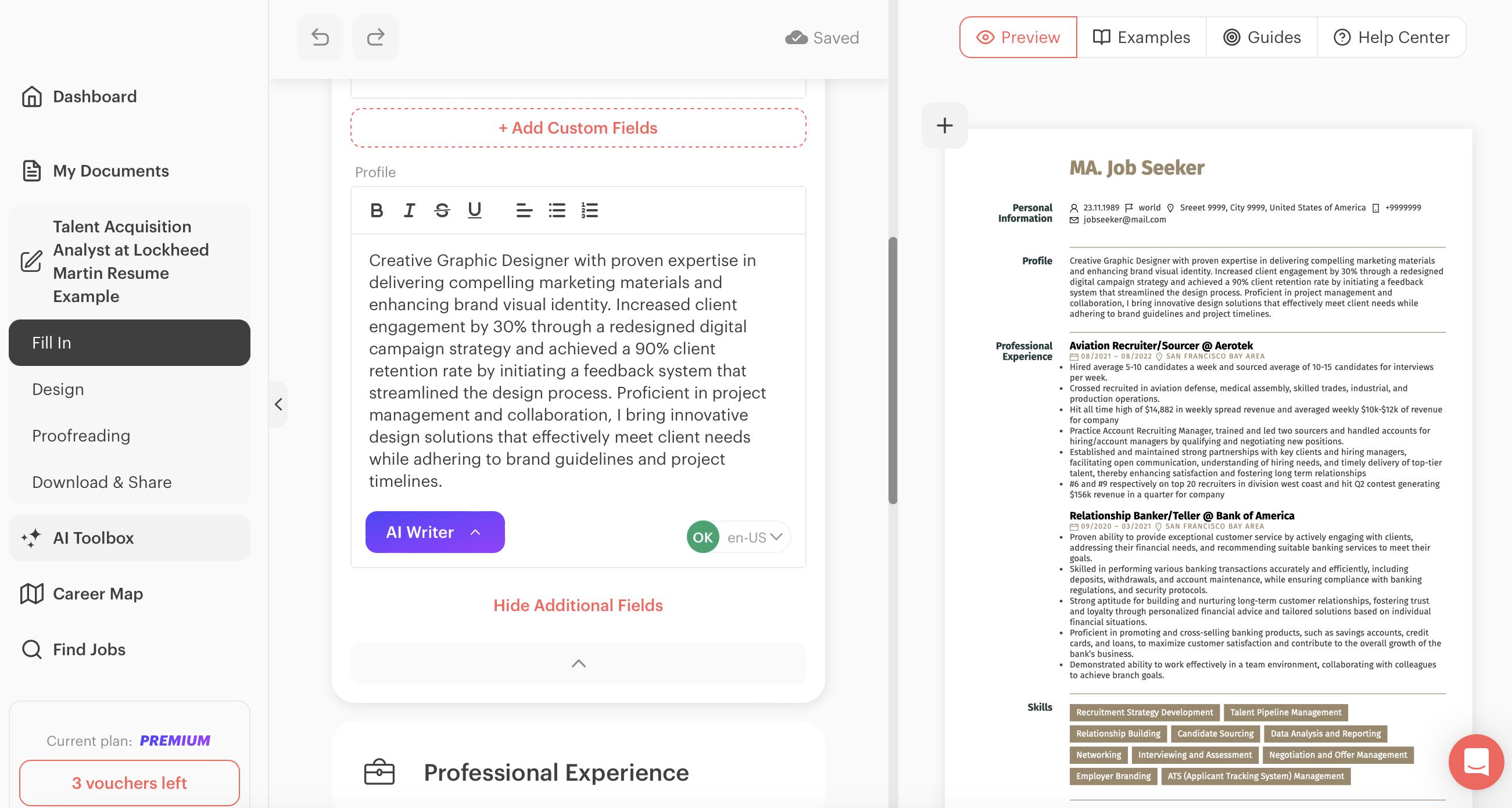
Kickresume provides a set of modern templates that help create a professional CV, with the ability to edit sections and rearrange them according to the user’s experience.
The tool allows the use of several features within the free version, while additional features and other templates are available through a paid subscription.
Main Features:
- Templates with modern designs.
- Easy section editing.
- Ability to export the CV in PDF format.
- Organized and clear user experience.
Suitable For:
Those who want to create a CV with a modern design and customize it easily.
5. Google Docs
Google Docs may not be the first tool that comes to mind when searching for CV tools, but it provides a free way to create a CV in PDF using ready-made templates that can be edited directly.
After finishing your information, you can save the file in PDF format through the download option inside the document, without needing additional programs.
Main Features:
- Completely free.
- Easy editing from any device.
- Ability to share the file and update it at any time.
- Saving the CV in PDF format.
Suitable For:
Those who prefer simple tools and need to create a CV quickly.

Comparison Between the Tools
The following table helps you choose the tool that suits your needs, whether you are looking for ease of use, Arabic language support, or the ability to create a CV in PDF for free.
| Tool | Free Version | PDF Download | Arabic Support | Suitable for Beginners |
|---|---|---|---|---|
| Canva | Yes | ✅ | ✅ | ⭐⭐⭐⭐⭐ |
| Novorésumé | Yes, some features | ✅ | Limited | ⭐⭐⭐⭐ |
| Resume.com | Yes | ✅ | Limited | ⭐⭐⭐⭐⭐ |
| Kickresume | Yes, some features | ✅ | Limited | ⭐⭐⭐⭐ |
| Google Docs | Yes | ✅ | ✅ | ⭐⭐⭐⭐ |
There is no single tool that suits all users, so the choice depends on your needs. If you care about design, Canva may suit you. If you prefer simplicity and quick completion, Google Docs or Resume.com may be suitable options.
Tips for a Professional CV in PDF
After finishing your CV, make sure to review it before sending it, because content quality is just as important as the tool you used.
Here are some tips to help you present your CV professionally:
- Choose a simple design that is easy to read.
- Use a clear font and a suitable text size.
- Review your personal information and contact details before saving.
- Avoid spelling and language mistakes.
- Customize the CV according to the job you are applying for.
- Save the file in PDF format before sending it.
- Use a clear file name, such as: Ahmed_Alotaibi_CV.pdf.
If you are still preparing the content of your CV, you can read the article on how to write a CV in Arabic before choosing the right tool.
You can also benefit from the article on attractive CV design to learn about the best practices for formatting your CV and choosing the right design.
Frequently Asked Questions
What Is the Best Website to Create a CV for Free?
This depends on your needs. If you are looking for easy-to-edit templates, Canva may be a suitable option. If you prefer a tool that focuses on building the CV step by step, you can try Novorésumé or Resume.com. If you want a completely free solution, you can use Google Docs and then save the file in PDF format.
How Do I Convert My CV to PDF?
If your CV is written in Microsoft Word or Google Docs, you can use the “Save As” or “Download” option and then choose PDF format. Most CV creation tools also provide the option to download the file directly in PDF format after finishing the edits.
Is Canva Free for Creating a CV?
Canva provides a free version that allows you to create and edit many CV templates, with the ability to download them in PDF format. However, some templates and design elements require a paid subscription.
What Is the Difference Between Word and PDF for a CV?
A Word file is easy to edit, while a PDF file preserves the CV formatting when opened on different devices. For this reason, most employers prefer receiving CVs in PDF format.
Can I Create a CV in PDF in Arabic?
Yes, some tools support creating a CV in PDF in Arabic, such as Canva and Google Docs. You can also write your CV in Arabic in Microsoft Word and then save it in PDF format.
Conclusion
Free CV PDF creation tools are more available than ever, giving students, graduates, and job seekers multiple options to prepare a professional CV without any cost.
Before choosing the tool, first define what you need. If you care about design and easy editing, Canva may suit you. If you prefer focusing on content and section organization, Novorésumé or Resume.com may be suitable. If you are looking for a completely free solution, Google Docs remains a practical option for creating your CV and saving it in PDF format.
Regardless of the tool you use, the most important thing is for your CV to be clear, organized, free of mistakes, and reflective of your qualifications and experience in a way that matches the job you are applying for.
Develop Your Skills
A professional CV helps you present yourself more effectively, while developing your skills strengthens your ability to compete in the job market.
Updated at: 2026-10-10 15:38:59